UI Motion
A downloadable tool for Windows
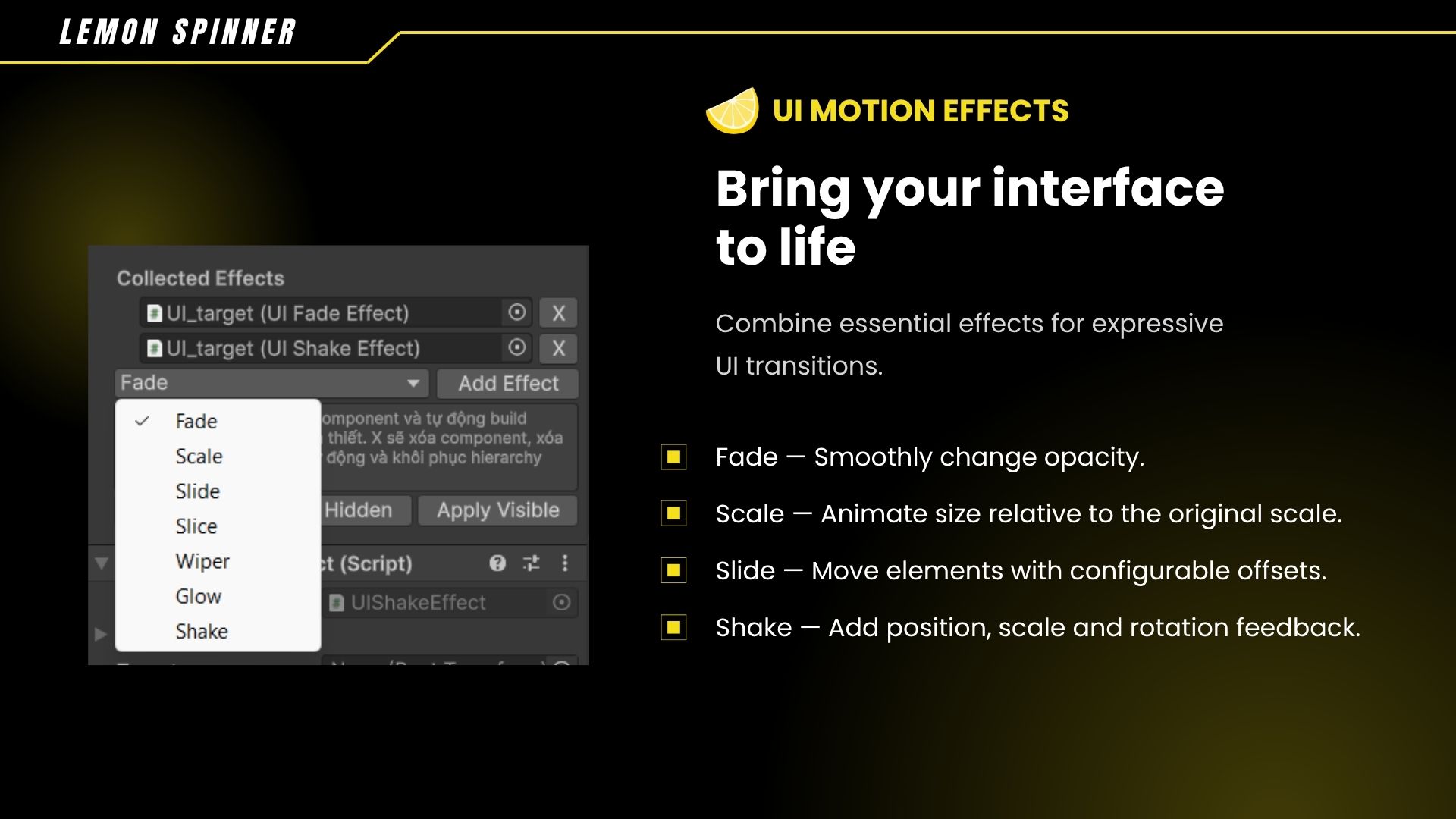
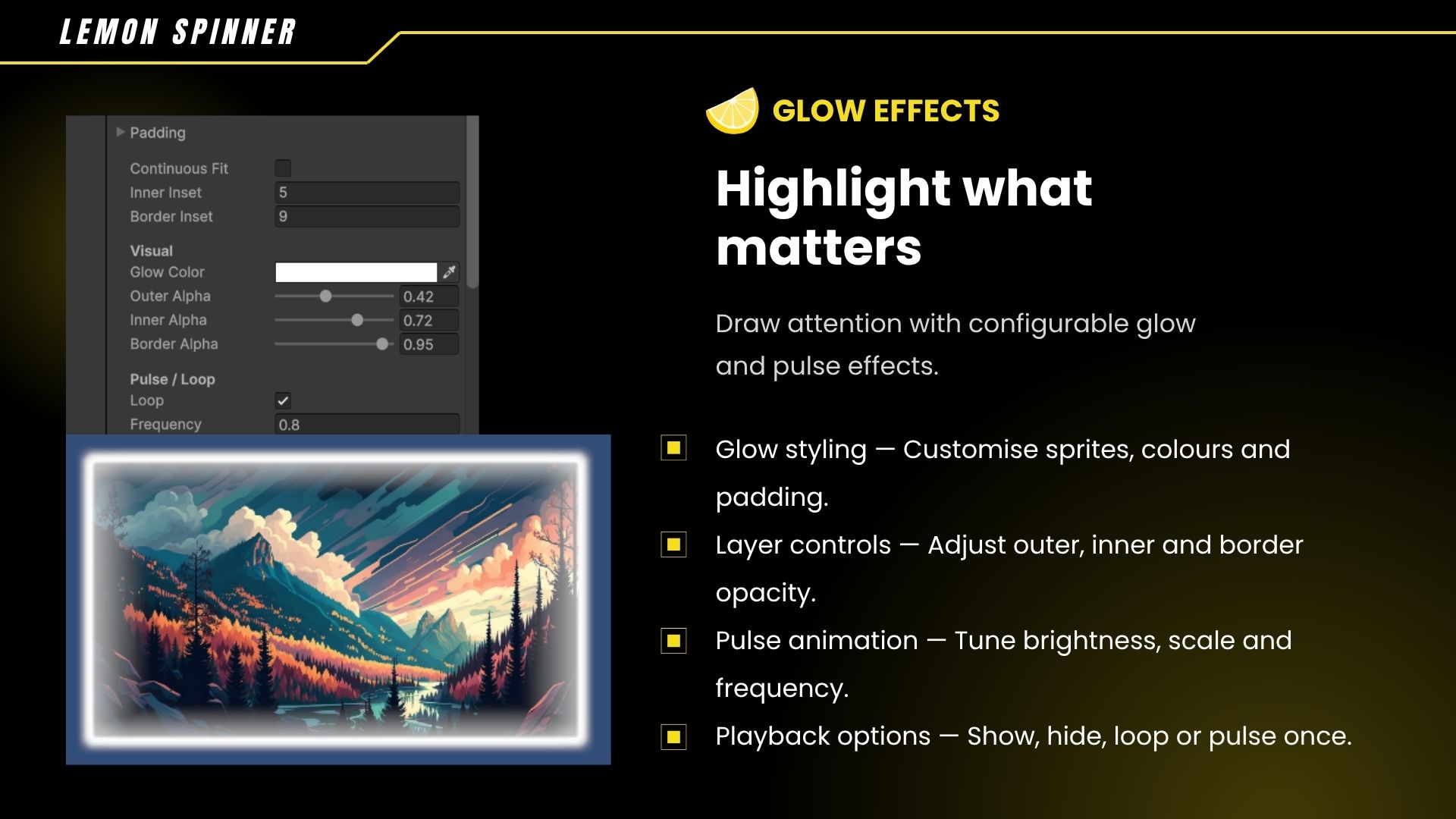
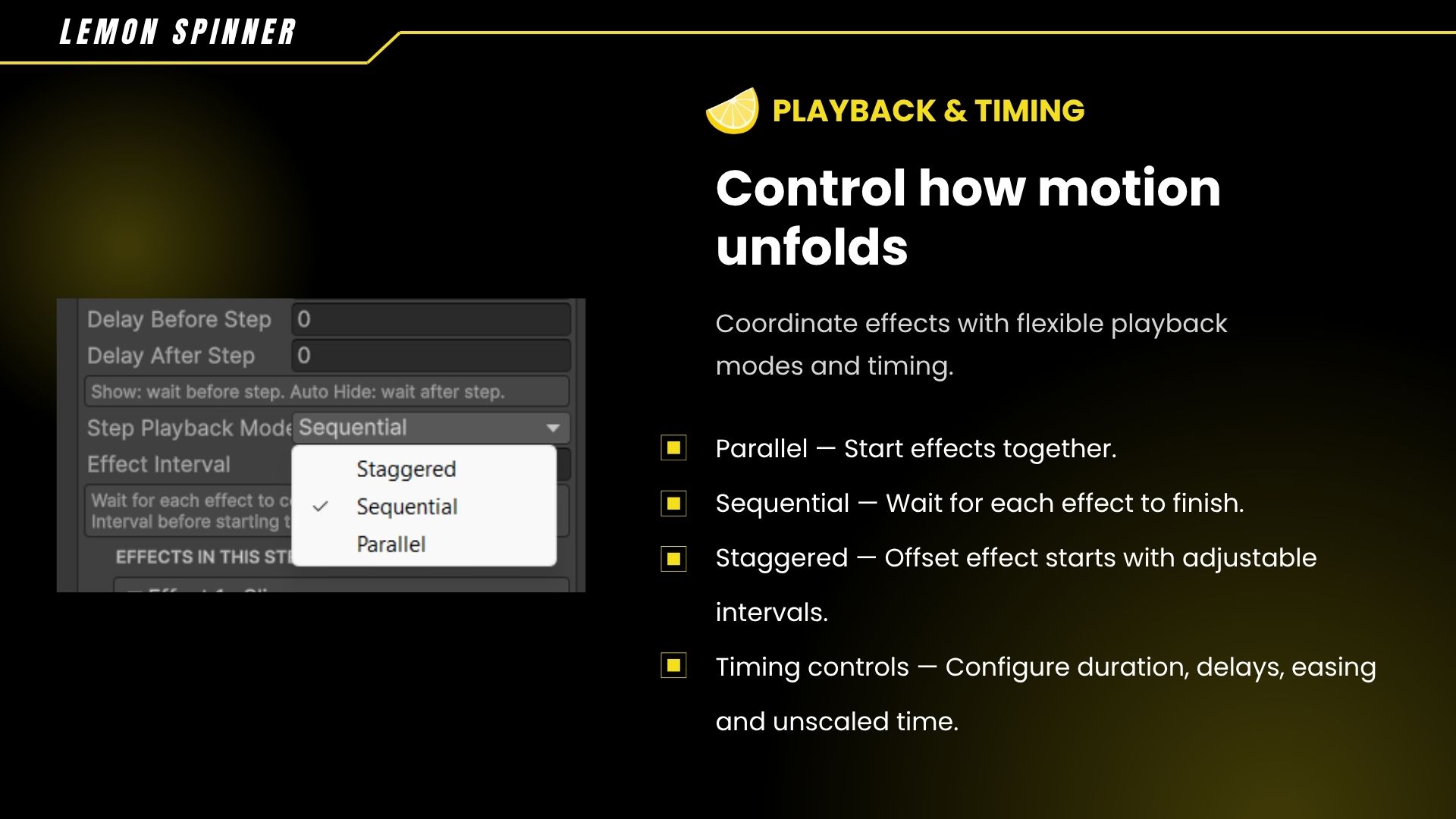
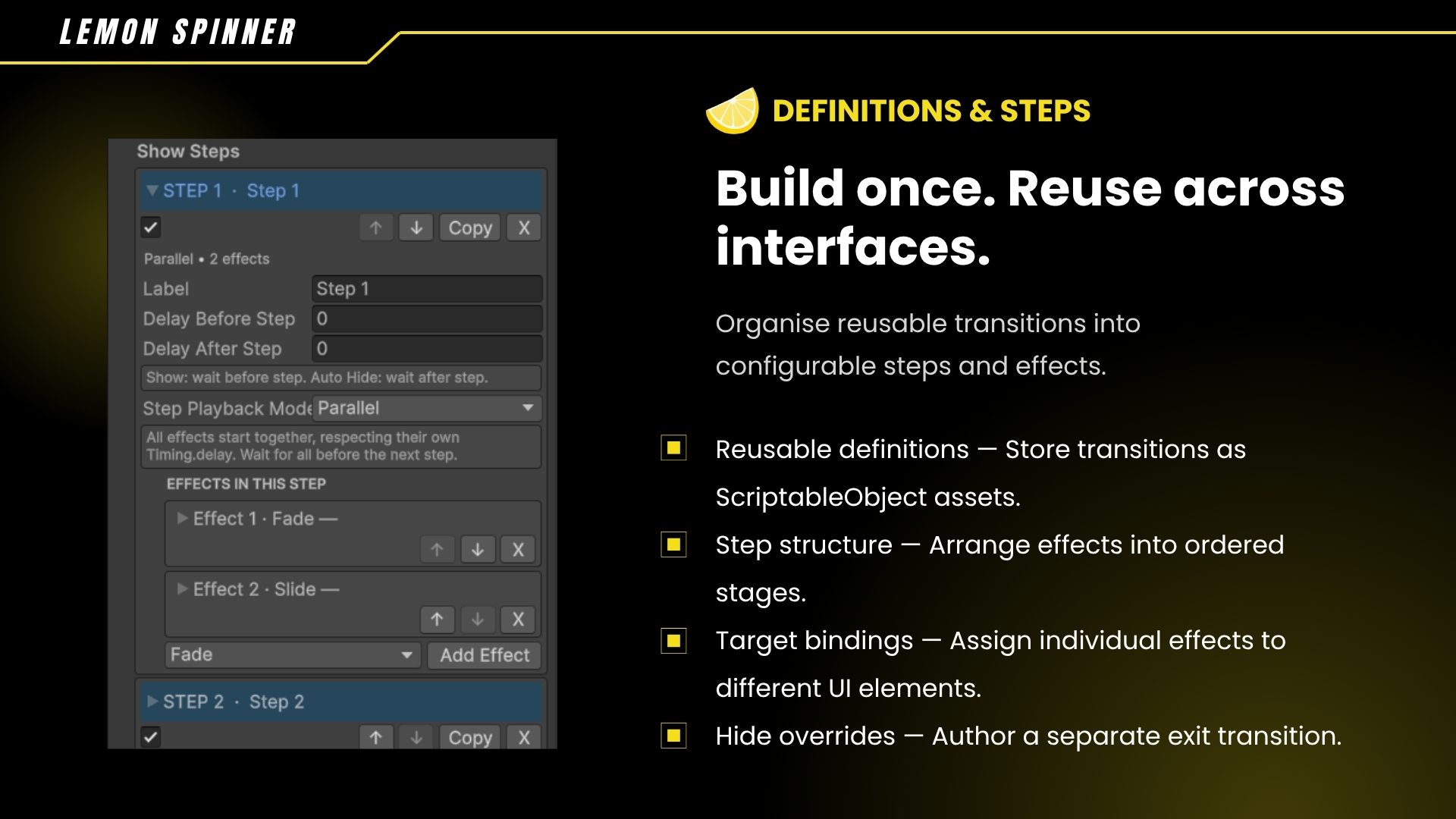
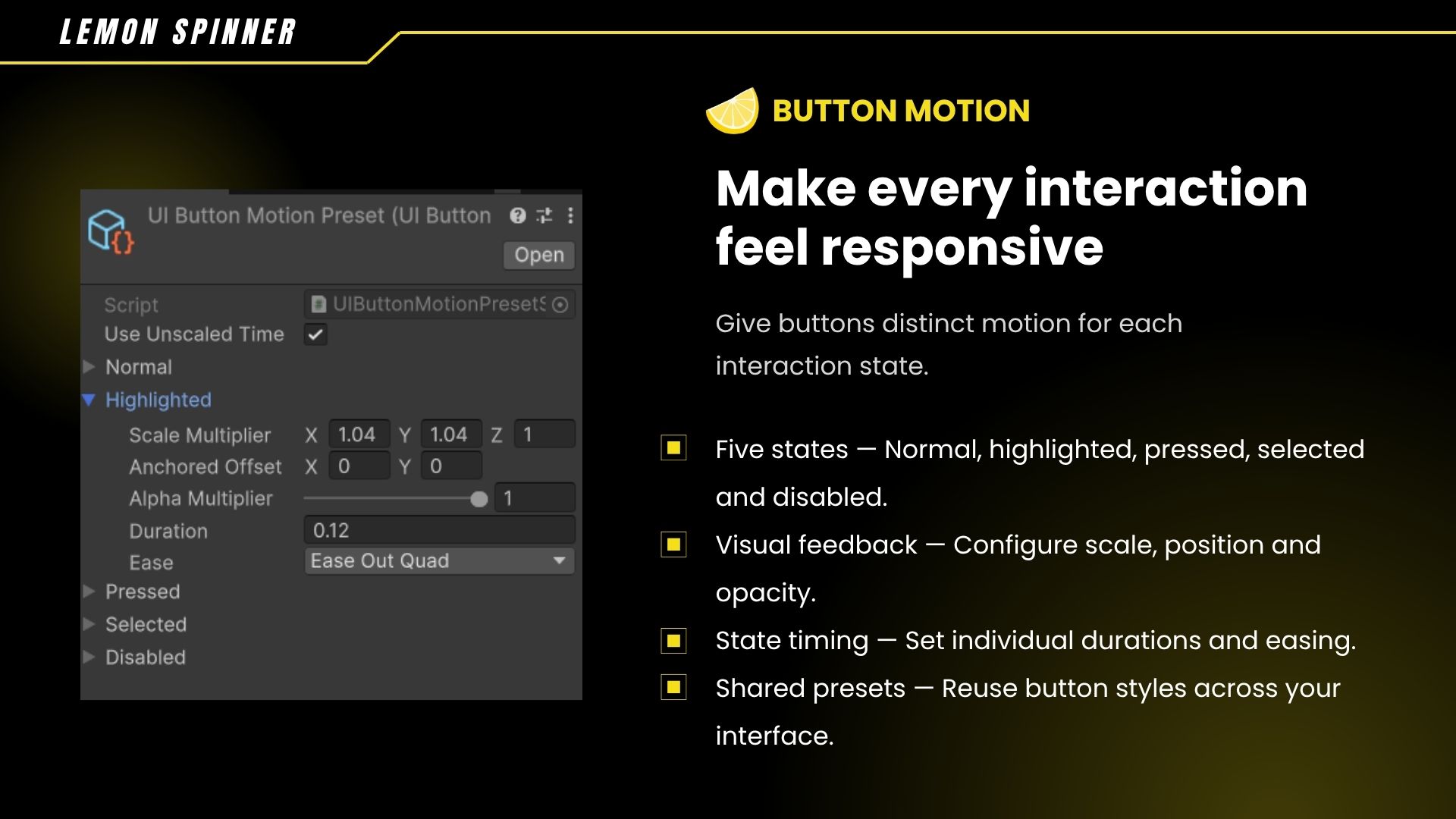
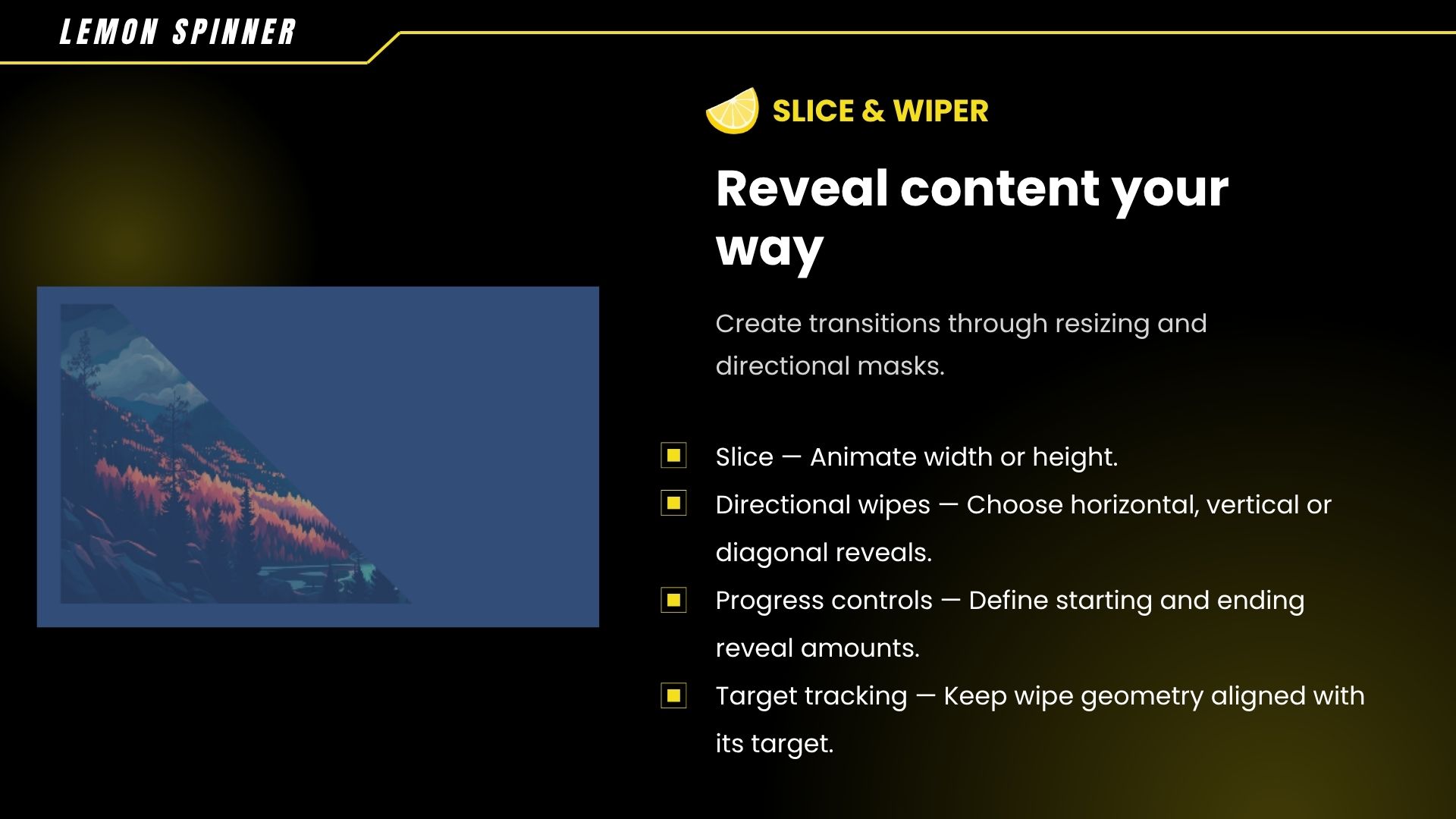
UI Motion by Lemon Spinner is a Unity uGUI toolkit for animated interfaces. Combine Fade, Scale, Slide, Shake, Slice, Wiper and Glow effects into reusable transitions. Create responsive buttons, configure step timing and coordinate UI sequences through Inspector settings or scripts.
Download
Install instructions
This download is a Unity package, not a standalone application.
- Install Unity 6 through Unity Hub.
- Open your project and ensure Unity UI (uGUI) is installed.
- Extract the ZIP and copy the
UIMotionfolder into your project’sAssetsfolder. - Wait for Unity to finish compiling.
- Open a scene from
UIMotion/Demo Scenesand enter Play Mode, or follow the documentation to configure your own UI.
Requirements & Notes
- The included demo scenes use Unity’s Input System package. Install it and enable the corresponding input handling to use their controls.
- The core toolkit does not require DOTween, LeanTween or UniTask.
- Designed for uGUI Canvas-based interfaces.
- When updating, back up your changes and replace the previous package folder to avoid duplicate scripts.
- See
UIMotion/Documentation/Instruct.mdfor detailed setup and usage instructions.